




The Top WordPress Plugins You Need for Your Website
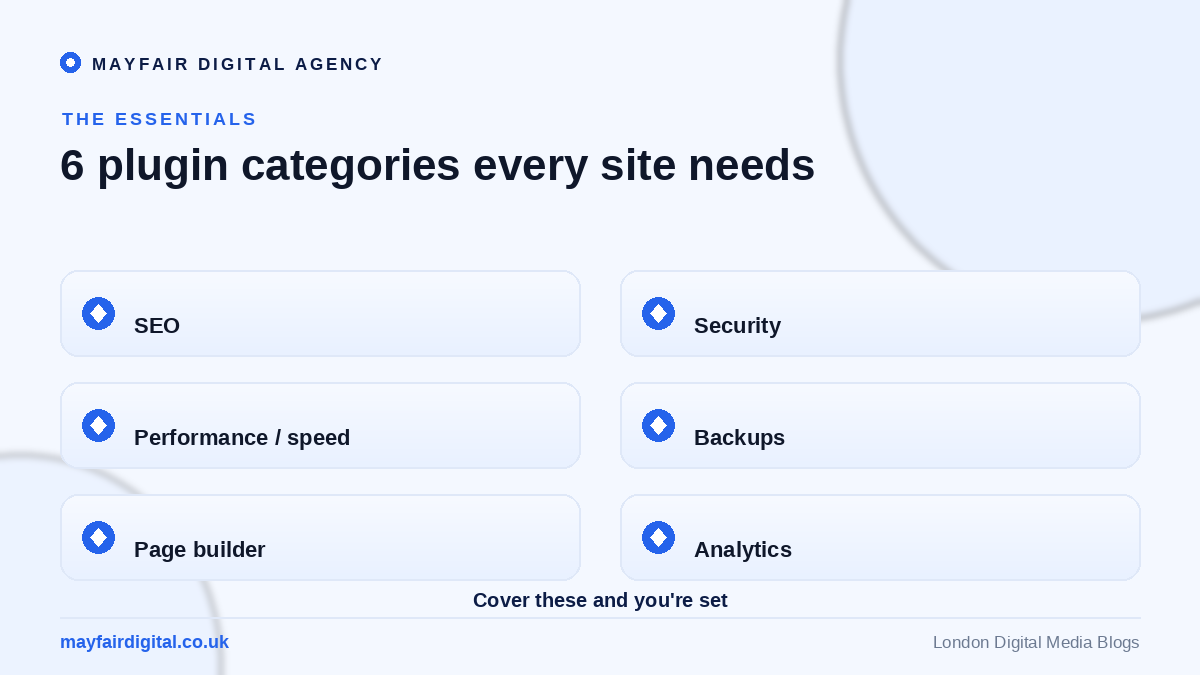
One of the greatest strengths of WordPress is its vast library of plugins — small pieces of software that add powerful functionality to your website without a single line of code. The right WordPress plugins can transform a basic site into a fast, secure, search-friendly machine that grows your business, while the wrong ones can slow it down and create security risks. Knowing which plugins genuinely matter is the key to building a website that performs.
This guide walks through the essential categories of WordPress plugins every website needs, explains what each does and why it matters, and offers practical advice on choosing and managing them wisely. Whether you run a blog, a business site or an online store, these are the tools that will help your website succeed.
SEO Plugins
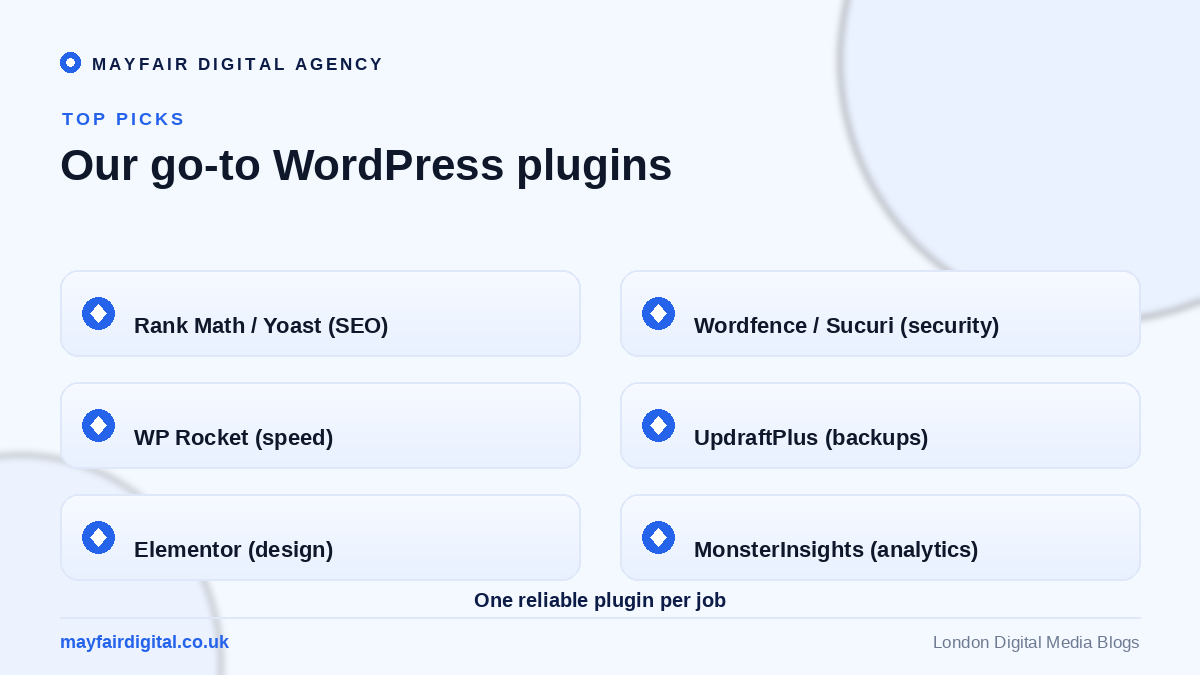
If you want to be found on search engines, an SEO plugin is essential. Tools in this category help you optimise titles, meta descriptions, headings and content, generate XML sitemaps, and follow on-page best practices through simple, guided prompts. They effectively turn complex SEO into a manageable checklist, ensuring every page you publish is set up to rank as well as possible.
A good SEO plugin also provides ongoing analysis, flagging issues like missing meta data or thin content before they harm your visibility. For any website that depends on organic traffic, this is one of the first plugins to install and configure properly.
Security Plugins
Websites are constant targets for hackers and bots, making security non-negotiable. A reputable security plugin protects your site with a firewall, malware scanning, login protection and monitoring for suspicious activity. This dramatically reduces the risk of your site being compromised, which could otherwise cost you data, reputation and search rankings.
Security plugins also provide peace of mind through features like automated scans and alerts, so you are warned of threats early. Combined with strong passwords and regular updates, a security plugin forms the backbone of a safe, trustworthy website.
Caching and Performance Plugins
Speed matters enormously for both user experience and search rankings, and caching plugins are among the most effective ways to improve it. They store ready-made versions of your pages so they load far faster for visitors, while additional features like file minification and image optimisation reduce load times further. A faster site keeps visitors engaged and reduces the number who leave in frustration.
Performance plugins are especially valuable as your site grows and adds more content and functionality. By keeping load times low, they protect the smooth, responsive experience that customers expect and that search engines reward.
Backup Plugins
Things can go wrong — a failed update, a hack or human error — and a backup plugin ensures you never lose your website. These tools automatically save copies of your site at regular intervals and let you restore it quickly if disaster strikes. Storing backups securely off-site adds an extra layer of protection.
A reliable backup routine is cheap insurance against potentially catastrophic loss. For the small effort of setting one up, you gain the confidence that your website can always be recovered, whatever happens.
Contact Form Plugins
Making it easy for visitors to get in touch is fundamental, and contact form plugins let you create professional, customisable forms without any coding. From simple enquiry forms to detailed multi-step forms, these tools capture leads and feedback while protecting against spam. A well-placed form can be the difference between a visitor leaving and a visitor becoming a customer.
E-Commerce Plugins
For businesses selling online, an e-commerce plugin turns a standard WordPress site into a fully featured store, handling products, payments, shipping and orders. The leading options are highly flexible and supported by countless extensions, letting you build exactly the store your business needs. Paired with the right theme, an e-commerce plugin provides everything required to sell effectively.
Analytics Plugins
You cannot improve what you do not measure, and analytics plugins connect your website to powerful tracking tools, often displaying key data directly in your dashboard. Understanding how visitors find and use your site helps you make informed decisions about content, design and marketing, turning raw traffic into actionable insight.
Choosing and Managing Plugins Wisely
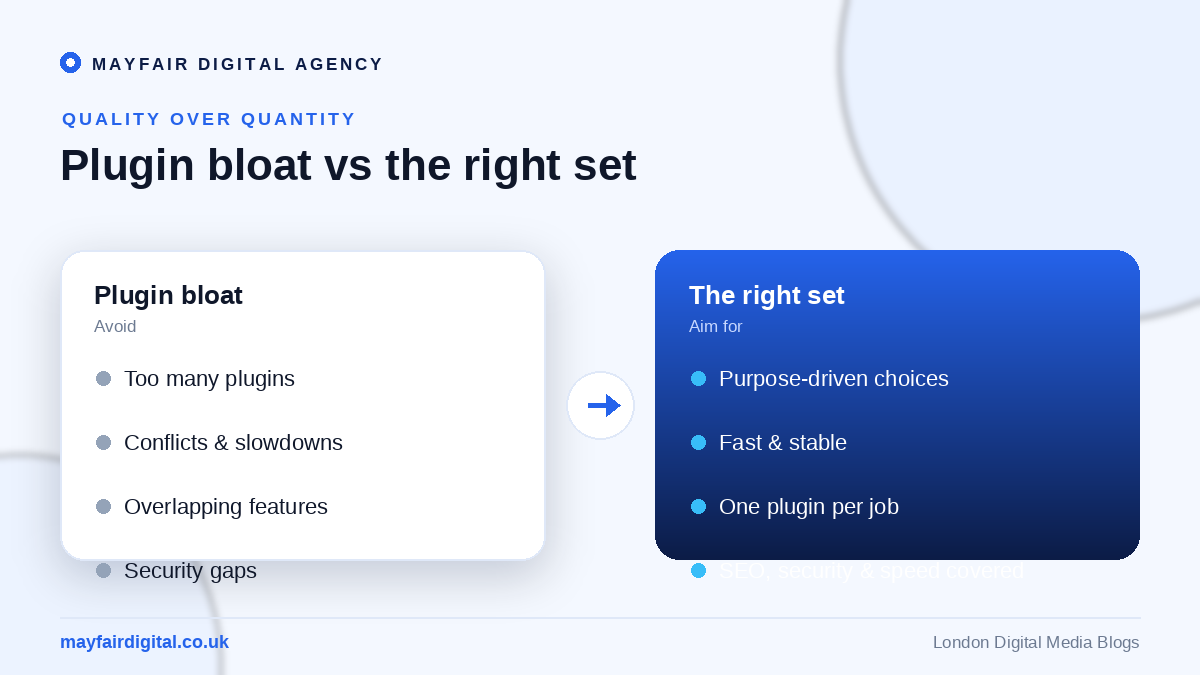
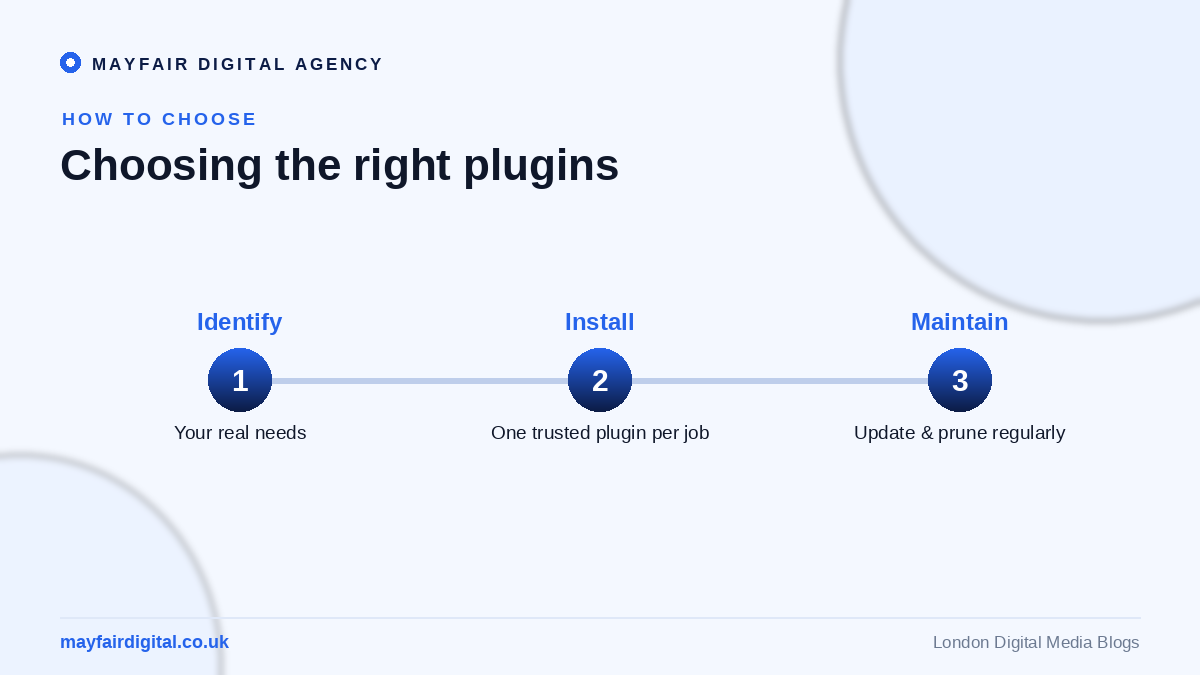
While plugins are powerful, more is not always better. Each one adds code that can affect speed and security, so it pays to install only what you genuinely need from reputable, well-maintained sources. Check that plugins are updated regularly, compatible with your version of WordPress, and well reviewed before installing them.
Ongoing management matters too. Keep plugins updated, remove any you no longer use, and monitor your site’s performance to catch conflicts early. A lean, well-curated set of quality plugins will always serve you better than a cluttered collection of unnecessary ones.
Frequently Asked Questions
How many plugins is too many? There is no fixed number; what matters is quality and necessity. Install only well-maintained plugins you genuinely need, and remove any that are unused to protect speed and security.
Are free WordPress plugins safe? Many free plugins are excellent, provided they come from reputable developers and are updated regularly. Always check reviews, update frequency and compatibility before installing.
Which plugin should I install first? Start with the essentials: SEO, security, caching and backups. These form the foundation of a fast, safe and discoverable website.
Build a Better Website With Mayfair
The right WordPress plugins make your website faster, safer, more discoverable and more capable. As a full-service digital media agency, Mayfair Digital Agency builds, optimises and maintains WordPress sites with the perfect set of tools for each business. If you want a website that performs flawlessly behind the scenes, get in touch and let’s build it together.
Email Marketing and List-Building Plugins
Beyond the core essentials, email marketing plugins are invaluable for turning website visitors into a loyal audience you can reach again and again. These tools let you add sign-up forms, build mailing lists and connect your site to your email platform, so every visitor becomes a potential subscriber. Because email remains one of the highest-return marketing channels available, a plugin that helps you capture and nurture contacts can pay for itself many times over. Look for options that integrate smoothly with your chosen email service and offer flexible, attractive opt-in forms.
Pairing list-building with well-timed pop-ups or content offers can dramatically grow your subscriber base without harming the user experience. The key is to add genuine value in exchange for an email address, building a list of people who actually want to hear from you.
Page Builder Plugins
Page builder plugins give you drag-and-drop control over your site’s layout, letting you create professional, custom pages without touching code. They are especially useful for landing pages, sales pages and unique layouts that go beyond what your theme offers out of the box. A good page builder strikes a balance between flexibility and performance, so be sure to choose a lightweight, well-coded option that will not slow your site down.
While powerful, page builders should be used thoughtfully, as overly complex pages can affect load times. Used well, they empower you to build and update pages quickly, keeping your website fresh and responsive to your changing needs.
Keeping Your Plugins Healthy Over Time
Installing the right plugins is only the beginning; maintaining them is what keeps your website running smoothly. Outdated plugins are a leading cause of security vulnerabilities and conflicts, so regular updates are essential. Set aside time to review your plugins periodically, removing any you no longer use and checking that the rest remain actively supported by their developers. This ongoing housekeeping prevents the gradual bloat and risk that creep into neglected websites.
It also helps to test updates carefully, ideally with a recent backup in place, so you can quickly recover if an update ever causes an issue. A disciplined approach to plugin maintenance protects the speed, security and reliability that your visitors and search engines expect.
The Right Tools Make All the Difference
Choosing the right WordPress plugins is about matching tools to your specific goals while keeping your site lean, fast and secure. The essentials — SEO, security, caching, backups, forms and analytics — form a solid foundation for almost any website, with e-commerce, email and page builder plugins added as your needs grow. By selecting quality plugins from reputable sources and maintaining them properly, you build a website that not only looks good but performs reliably and safely for years to come.
If managing all of this feels daunting, expert help can make the difference between a website that merely exists and one that actively grows your business. With the right combination of plugins, configured and maintained correctly, your WordPress site becomes a powerful, dependable platform for everything you want to achieve online.
Need expert help? Mayfair Digital Agency is a digital agency in London and full-service digital agency in London offering website design in London and more. Get in touch for a free consultation.


