




The Pros and Cons of Using WordPress for Your Website
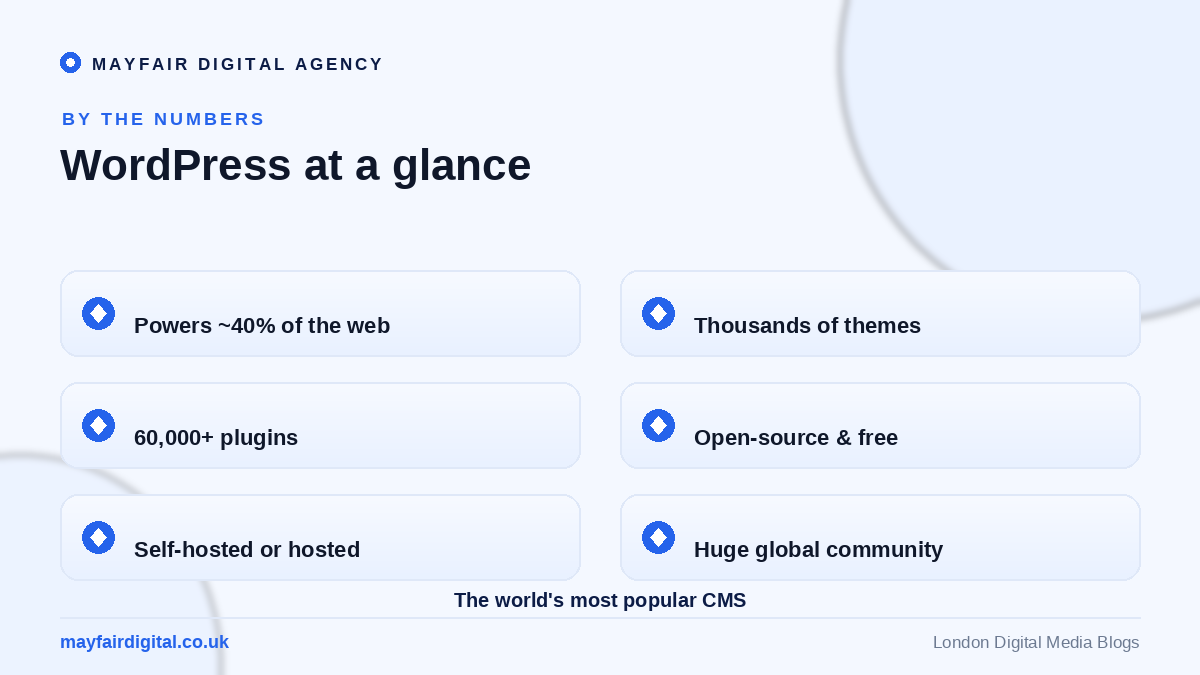
Choosing the platform for your website is one of the most consequential decisions you’ll make online — and WordPress is almost always part of the conversation. It powers roughly 40% of all websites on earth, from tiny personal blogs to enterprise newsrooms and global e-commerce stores. That kind of dominance isn’t an accident; it reflects genuine strengths. But popularity alone doesn’t make a platform right for everyone, and WordPress carries real trade-offs you should weigh before committing.
This honest, in-depth look at the pros and cons of using WordPress will help you decide whether it’s the right foundation for your business. We’ll cover where it shines, where it frustrates, who it suits best, how it compares to the alternatives, and exactly how to get started if you decide it’s for you. By the end, you’ll be able to make the choice with confidence rather than guesswork.
The Pros of WordPress
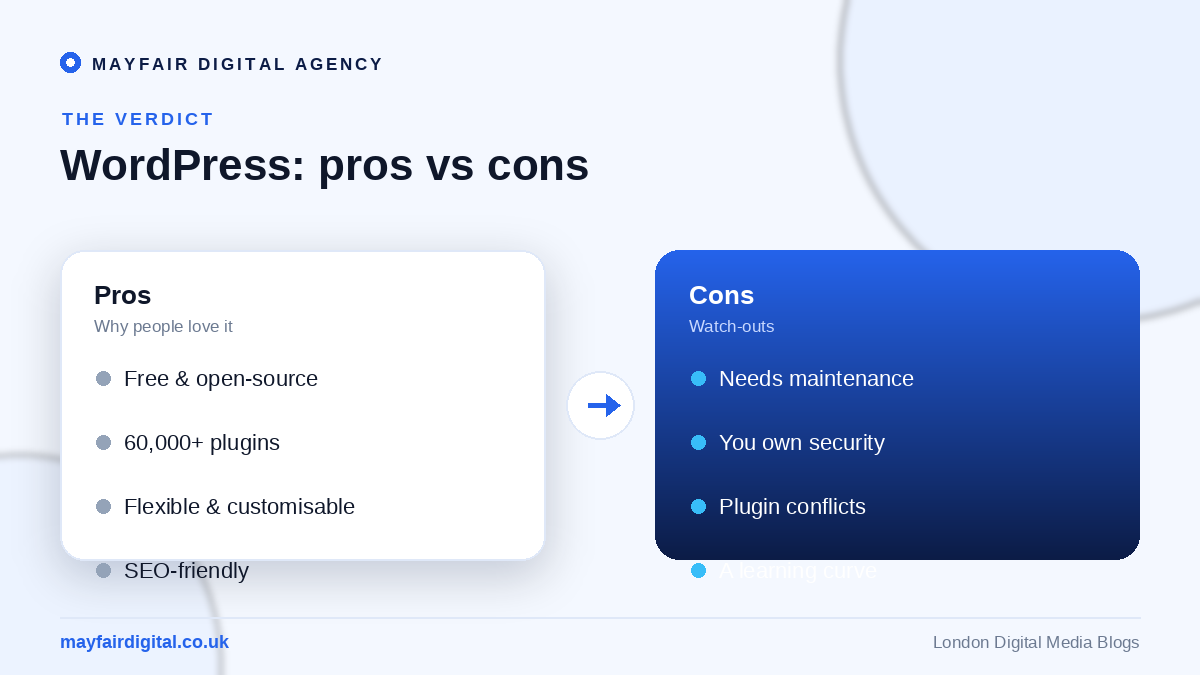
WordPress’s biggest advantage is flexibility. It’s free and open-source, with a colossal ecosystem of more than 60,000 plugins and thousands of themes that let you build almost anything — a blog, a brochure site, a membership portal, a full online store — without writing code. Whatever feature you need, there’s usually a plugin for it, which means your site can grow and evolve with your business rather than boxing you in.
It’s also famously SEO-friendly. With clean permalinks, full control over titles and meta data, and powerful plugins like Rank Math or Yoast, WordPress gives you everything you need to rank — as we cover in our WordPress SEO guide. On top of that, you truly own your site and data, there’s a vast global community for support, and the sheer scale of the platform means problems are well-documented and solutions are easy to find.
Finally, WordPress scales with ambition. The same platform that runs a hobby blog also runs major publications, because its architecture and hosting options stretch from shared hosting to enterprise infrastructure. You’re rarely forced to migrate away as you grow — you simply add capability.
The Cons of WordPress
The flip side of all that flexibility is responsibility. Unlike fully managed platforms, WordPress requires ongoing maintenance: you (or your agency) must keep the core, themes and plugins updated, manage backups, and stay on top of security. Neglect this and a site can break or be compromised — which is why following solid security practices matters so much.
There’s also a learning curve. WordPress is more powerful than drag-and-drop website builders, and that power comes with complexity that can feel daunting at first. Plugins, while a strength, can occasionally conflict with one another or slow your site if you install too many, so choosing the right ones — see our guide to the best WordPress plugins — is important. And because you manage your own hosting and stack, performance and reliability ultimately depend on the choices you make.
None of these cons are dealbreakers, but they’re real. The good news is that nearly all of them are solved by good hosting, a sensible plugin set, regular maintenance, and — if you’d rather not handle it yourself — a capable partner to manage the technical side for you.
Who WordPress Is Best For
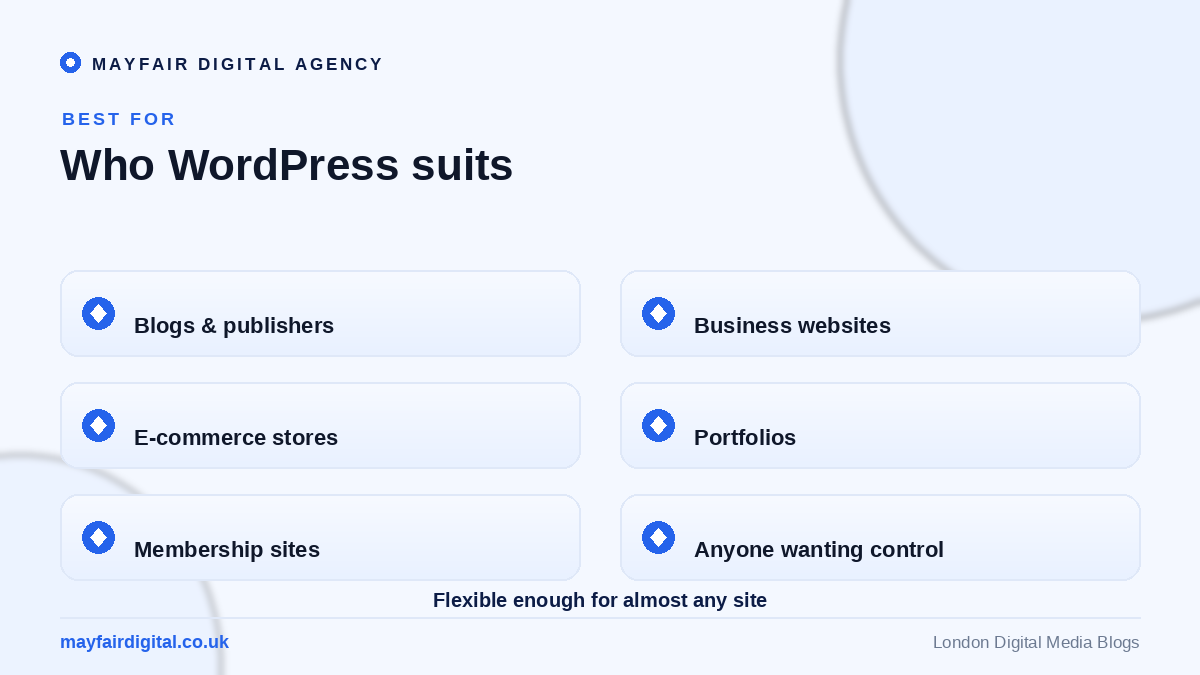
WordPress suits an unusually wide range of users. Bloggers and publishers love its content management; small and medium businesses value the balance of flexibility and cost; e-commerce sellers can run full stores with WooCommerce; and portfolios, membership sites and community platforms all thrive on it. If you value ownership, flexibility and the freedom to customise, WordPress is hard to beat.
It’s a less natural fit if you want a completely hands-off, fully managed experience with zero maintenance and are happy to trade flexibility for simplicity — in which case a hosted builder or, for pure online stores, a platform like Shopify might suit you better. The key is matching the platform to how much control and customisation you actually want.
Getting Started With WordPress
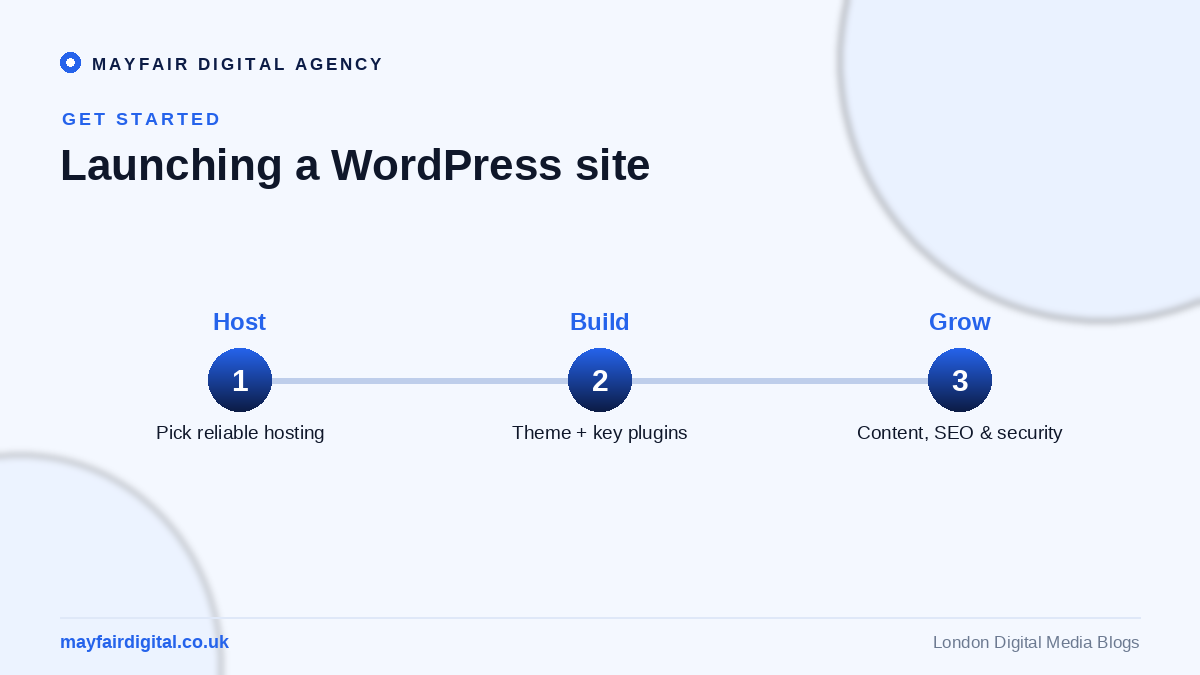
If WordPress is right for you, getting started is straightforward. Choose reliable hosting, install WordPress (most hosts offer one-click setup), and pick a quality, lightweight theme. Add a small set of essential plugins — security, SEO, caching and backups — and then focus your energy where it counts: creating great content and a clear site structure. You can explore themes and plugins in the official WordPress.org directory.
From there, treat your site as an ongoing asset rather than a one-off project: keep everything updated, monitor performance and security, and improve continuously. If that sounds like more than you want to take on, our team can design, build, secure and maintain your WordPress site for you through our web services, so you get all the upside without the maintenance burden.
Is WordPress the Right Choice for You?
For the majority of businesses, the pros comfortably outweigh the cons. WordPress offers an almost unmatched blend of flexibility, scalability, SEO-friendliness and ownership, and its weaknesses are manageable with the right setup and support. If you want full control over a site that can grow with you — and you’re willing to maintain it or have someone maintain it for you — WordPress remains one of the smartest foundations available. If you prioritise zero-maintenance simplicity above all else, weigh it against managed alternatives before deciding.
Frequently Asked Questions
Is WordPress good for beginners?
Yes. There’s a modest learning curve, but with a good theme, a page builder and a few plugins, beginners can build and manage a professional site without coding. Plenty of tutorials and community support make the climb manageable.
Is WordPress free?
The WordPress software is free and open-source. You’ll pay for hosting, a domain, and optionally premium themes or plugins — but you can run a full, professional site affordably, and you keep complete ownership of it.
Is WordPress secure?
WordPress is secure when maintained — keep everything updated, use strong passwords and two-factor authentication, and install a reputable security plugin. The vast majority of breaches stem from outdated software or weak credentials, not from WordPress itself.
WordPress or Shopify — which should I choose?
For content-led sites and flexible builds, WordPress wins. For a dedicated, low-maintenance online store, Shopify is often simpler. Many businesses even combine WordPress content with a separate store, choosing each tool for what it does best.
Thinking about a WordPress website? Talk to Mayfair Digital Agency or explore our web services.
Need expert help? Mayfair Digital Agency is a London digital agency and full-service digital agency in London offering website design in London and more. Get in touch for a free consultation.


