




The Ultimate Guide: WordPress Security Tips
WordPress powers a huge share of the world’s websites, which makes it a prime target for hackers and automated attacks. Protecting your site is not optional — it is essential to safeguarding your data, your reputation and your visitors. This ultimate guide to WordPress security walks through the practical steps every site owner should take, from the basics to more advanced measures, so you can keep your website safe, trusted and online.
The good news is that securing a WordPress site does not require deep technical expertise. By following a set of proven best practices consistently, you can dramatically reduce your risk and protect your site against the vast majority of threats. Here is how.
Keep Everything Updated
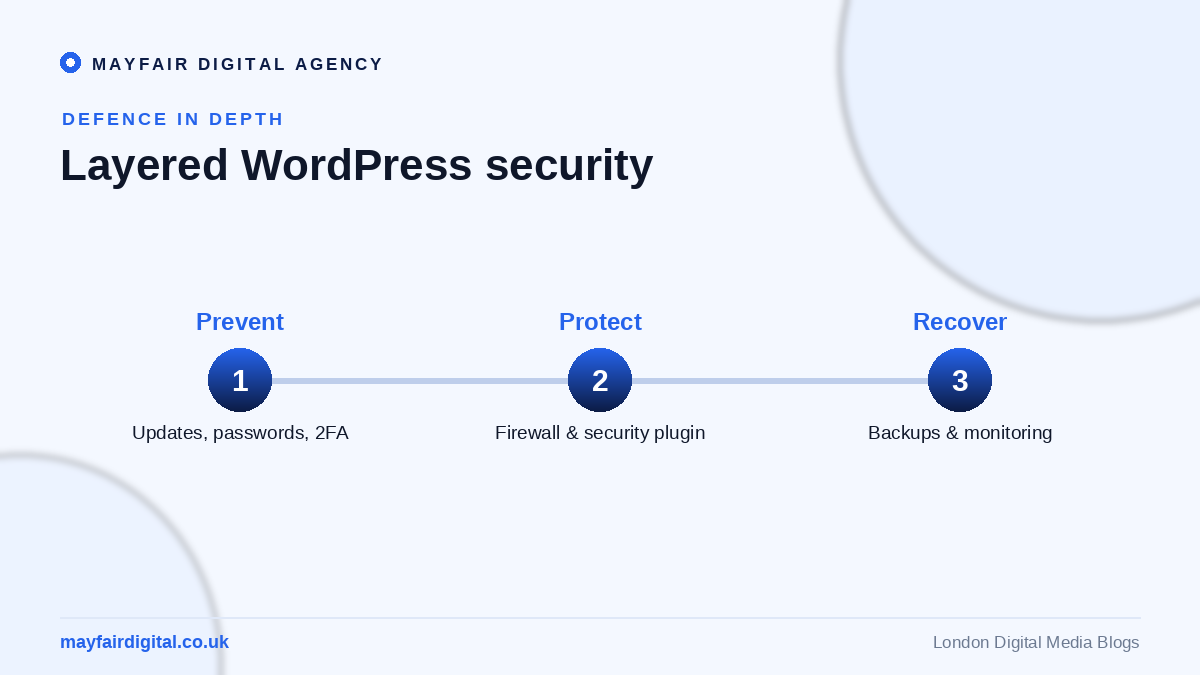
The single most important security habit is keeping WordPress, your theme and all your plugins up to date. Updates frequently patch security vulnerabilities, and outdated software is one of the most common ways sites get hacked. Enabling automatic updates where appropriate, and checking regularly for any that need manual attention, closes the door on a huge proportion of potential attacks.
This applies to every component, including plugins you rarely think about. A single outdated plugin can provide an entry point, so maintaining everything diligently is fundamental to a secure site.
Use Strong Passwords and User Management
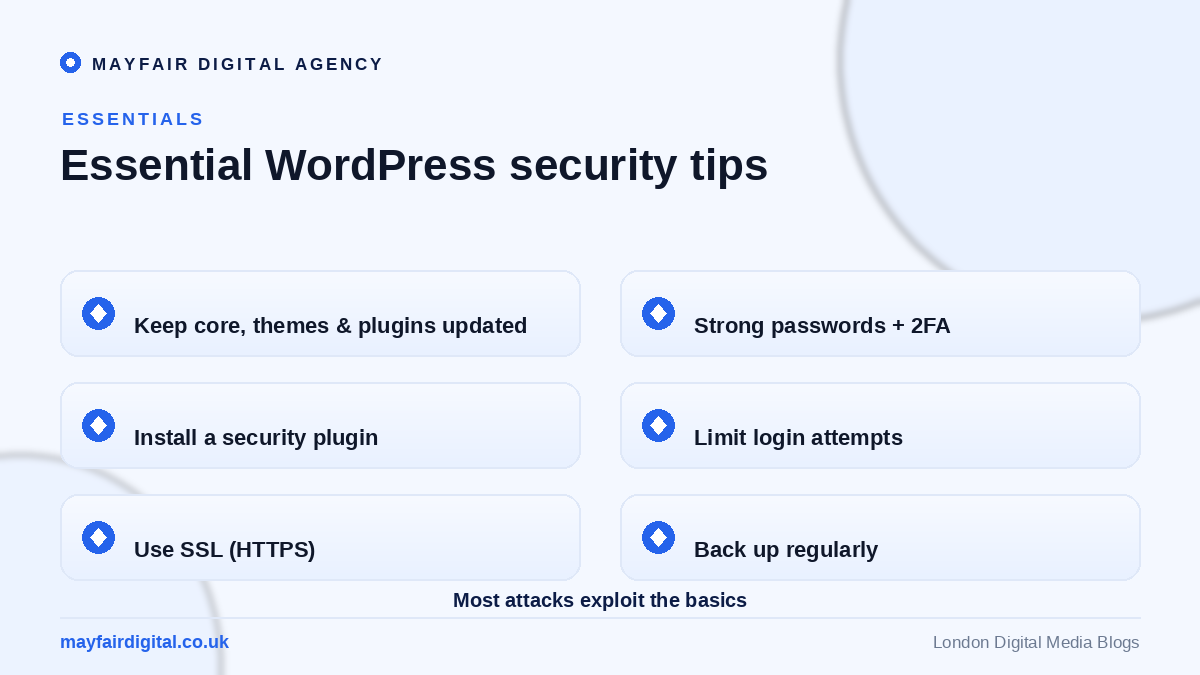
Weak passwords are an open invitation to attackers. Use strong, unique passwords for every account, especially administrator accounts, and encourage everyone with access to do the same. Limiting the number of users with administrator privileges and removing accounts that are no longer needed further reduces your exposure.
Enabling two-factor authentication adds a powerful extra layer of protection, requiring a second verification step beyond the password. Even if a password is compromised, two-factor authentication can stop an attacker from gaining access.
Install a Security Plugin
A reputable security plugin provides essential protection through features like a firewall, malware scanning, login monitoring and alerts for suspicious activity. These plugins act as a watchful guard for your site, blocking many attacks automatically and warning you of threats early so you can respond quickly.
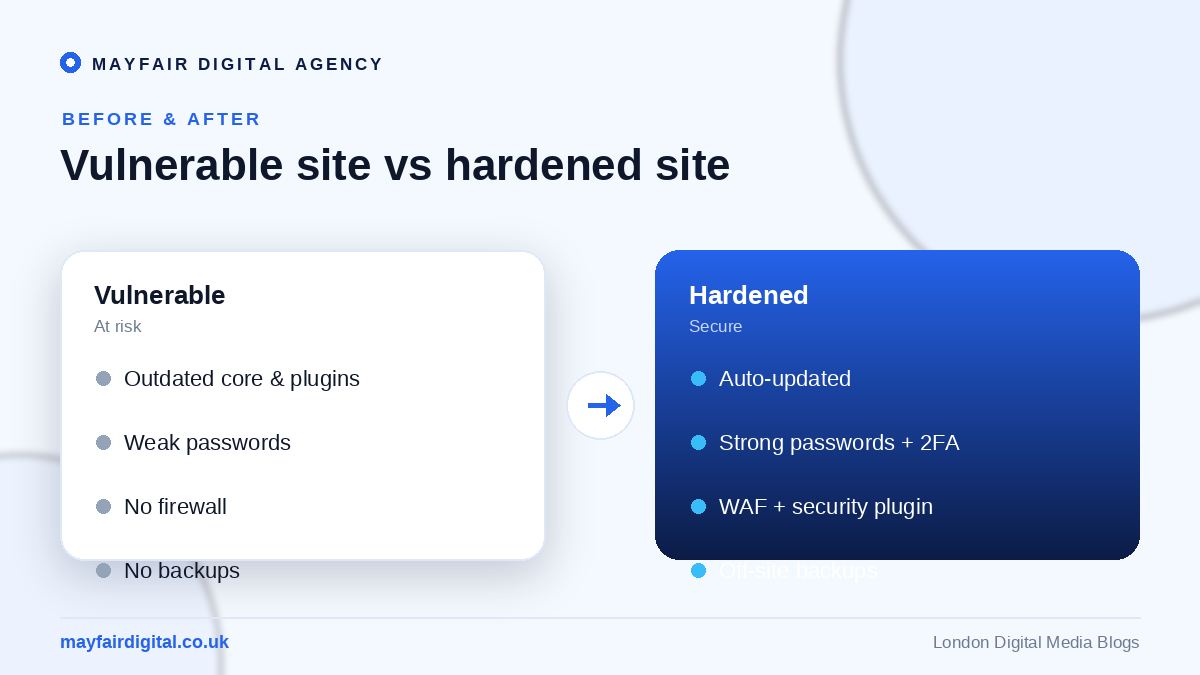
Choosing a well-reviewed, actively maintained security plugin and configuring it properly gives you robust, ongoing protection without needing to monitor everything manually. It is one of the most effective steps you can take.
Secure Your Login Page
The login page is a frequent target for brute-force attacks, where bots try countless password combinations. Protect it by limiting login attempts, changing the default login URL, and using strong passwords with two-factor authentication. These measures make it far harder for automated attacks to break in.
Monitoring login activity also helps you spot and block suspicious behaviour early. A secured login page is a critical barrier between your site and the most common type of automated attack.
Use HTTPS and Secure Hosting
An SSL certificate, which enables HTTPS, encrypts the data exchanged between your site and its visitors, protecting sensitive information and building trust. It is now essential for every website and also benefits your search rankings. Most reputable hosts provide SSL certificates, often for free.
Your choice of hosting matters too. A quality host with strong security measures, regular backups and good support provides a secure foundation, while cheap, poorly maintained hosting can leave your site exposed regardless of your other efforts.
Frequently Asked Questions
Why would anyone target my WordPress site? Most attacks are automated and indiscriminate, targeting any vulnerable site regardless of size. Even small websites are at risk, which is why security matters for everyone.
Do I need a security plugin if I keep everything updated? Yes. Updates are essential but not sufficient. A security plugin adds firewalls, monitoring and malware scanning that updates alone do not provide.
What is the most important WordPress security step? Keeping WordPress, themes and plugins updated is the single most impactful habit, closing the vulnerabilities that cause most hacks.
Keep Your Site Secure With Mayfair
Strong WordPress security protects your data, your reputation and your visitors from an ever-present threat. As a full-service digital media agency, Mayfair Digital Agency builds and maintains secure WordPress websites, implementing the best practices that keep sites safe and online. If you want peace of mind for your website, get in touch and let’s secure your site together.
Take Regular Backups
Even with strong defences, no website is ever completely immune to problems, which is why regular backups are an essential part of WordPress security. A reliable backup means that if your site is ever hacked, corrupted or broken by a faulty update, you can restore it quickly and avoid catastrophic loss. Use a trusted backup plugin or hosting feature to automate the process, and store copies securely off-site so they remain safe even if your server is compromised.
Test your backups occasionally to make sure they actually work and can be restored when needed. A backup you have never verified can give a false sense of security, so confirming the process now and then is well worth the small effort involved.
Set Correct File Permissions
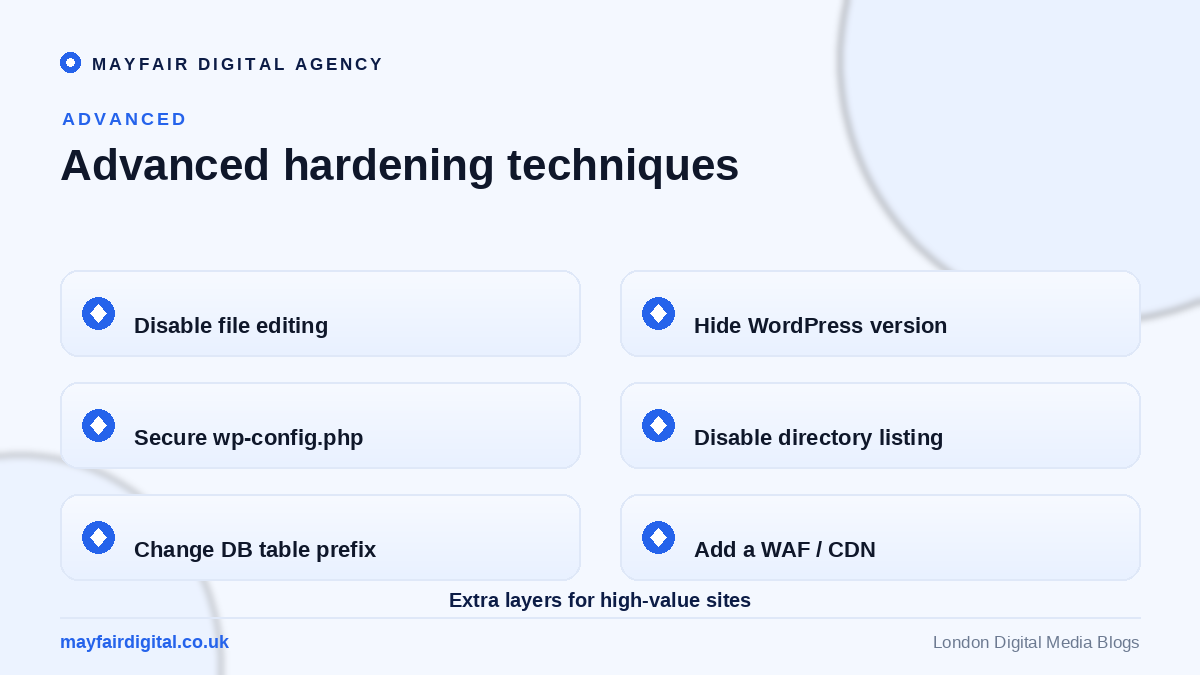
File and folder permissions control who can read, write and execute files on your server, and setting them correctly is an important but often overlooked security measure. Overly permissive settings can allow attackers to modify your files, while correct permissions limit what can be changed even if someone gains partial access. Following recommended permission settings for WordPress files and directories closes another common avenue of attack.
If you are unsure how to configure these safely, a knowledgeable host or developer can help. Getting permissions right is a technical but valuable layer in a comprehensive security setup.
Be Cautious With Themes and Plugins
Themes and plugins extend WordPress wonderfully, but each one also introduces code that could contain vulnerabilities. Only install themes and plugins from reputable sources, check that they are actively maintained and well reviewed, and remove any you no longer use. Abandoned or pirated plugins are a frequent source of security problems, so being selective about what you install is a simple but powerful protective habit.
Keeping your site lean, with only the quality plugins you genuinely need, not only improves performance but also reduces your security risk by minimising the amount of third-party code running on your site.
Monitor and Respond to Threats
Security is not a one-time task but an ongoing process. Regularly monitor your site for unusual activity, keep an eye on security plugin alerts, and stay informed about emerging threats. The sooner you detect a problem, the easier it is to contain and resolve. Having a simple plan for how to respond if something goes wrong — including who to contact and how to restore from backup — ensures you can act quickly and calmly in an emergency.
Periodic security reviews, checking that updates are current, users are appropriate and defences are working, keep your site resilient over time. This steady vigilance is what separates consistently secure sites from those that drift into vulnerability.
Educate Everyone With Access
Security is only as strong as its weakest link, and that link is often human. Anyone with access to your site should understand basic security practices: using strong, unique passwords, recognising phishing attempts, and being cautious about where they log in from. A brief conversation about good security habits can prevent mistakes that no plugin or firewall can fully guard against.
This is especially important as your team grows. Building a culture of security awareness ensures that everyone plays their part in keeping the site safe, complementing the technical measures you have put in place.
A Secure Site Is a Strong Foundation
Securing your WordPress site is one of the most important investments you can make in your online presence. By keeping everything updated, using strong passwords and two-factor authentication, installing a security plugin, taking regular backups and following the other practices in this guide, you protect your site against the overwhelming majority of threats. Security may not be glamorous, but it is the foundation on which a trustworthy, dependable website is built.
If managing all of this feels overwhelming, expert help can ensure your site is properly protected and maintained. With the right practices in place — applied consistently over time — your WordPress site can remain safe, fast and reliable, giving you and your visitors complete peace of mind.
Need expert help? Mayfair Digital Agency is a London digital agency and full-service digital agency in London offering website design in London and more. Get in touch for a free consultation.


